
Multi‑Image Compositions and Storyboards
Use Nano Banana Pro to combine multiple reference images into a single, coherent storyboard—for example, blending still photos, sketches and product renders into a unified marketing sequence.

The Nano Banana Pro API provides you with the opportunity to more easily configure and use Google's new generation of the most powerful image editing models, the Nano Banana 2 or gemini 3 pro image API. Connect now and unleash productivity.
Run the image demo directly in your browser — no setup required.
Loading demo...
An API that gives you access to Google’s latest Nano Banana 2–class image model, so you can create and edit pictures that look like real photos instead of AI experiments.
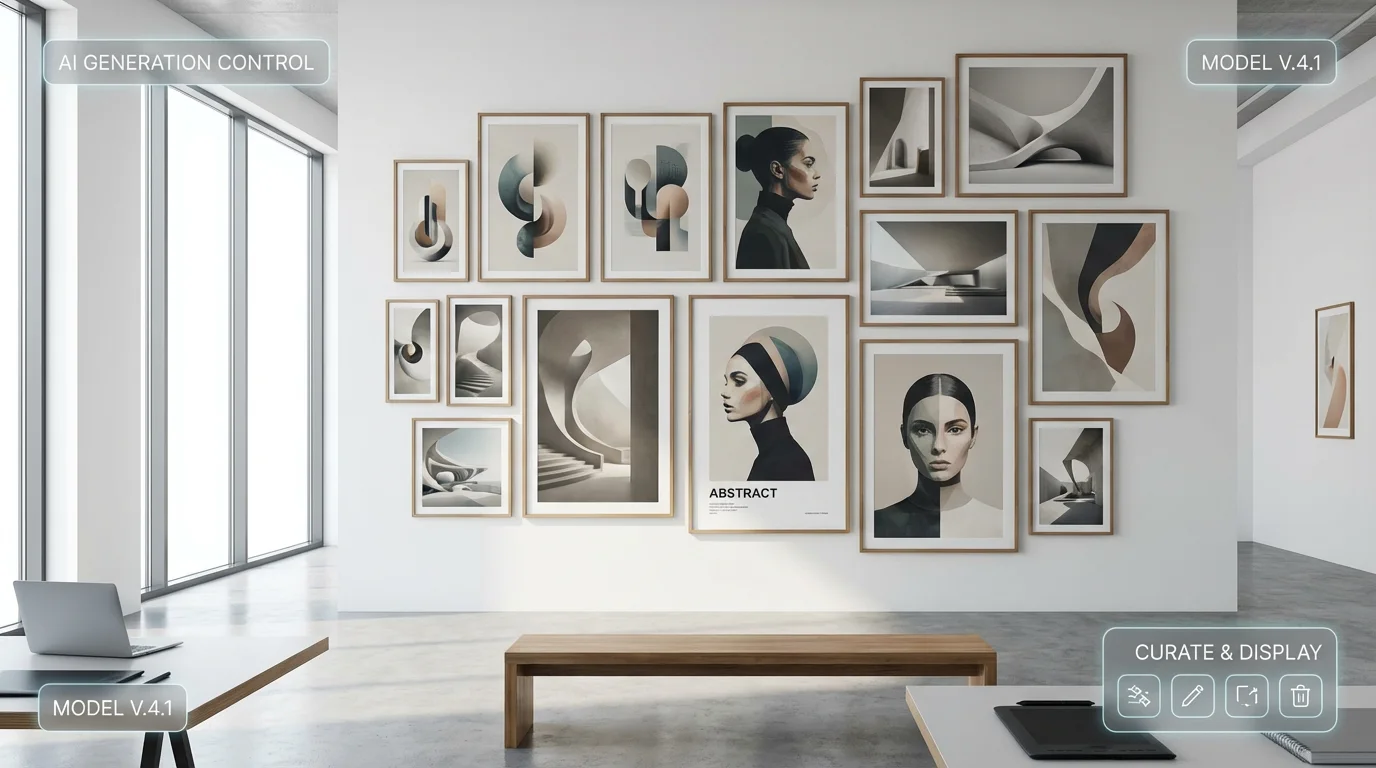
Nano Banana Pro is tuned on the same class of data and objectives as Google’s Nano Banana 2 image model, so you get photorealistic lighting, natural skin tones and clean backgrounds out of the box. It understands global composition as well as fine details, which makes prompts easier to control and reduces the amount of manual Photoshop work after generation.
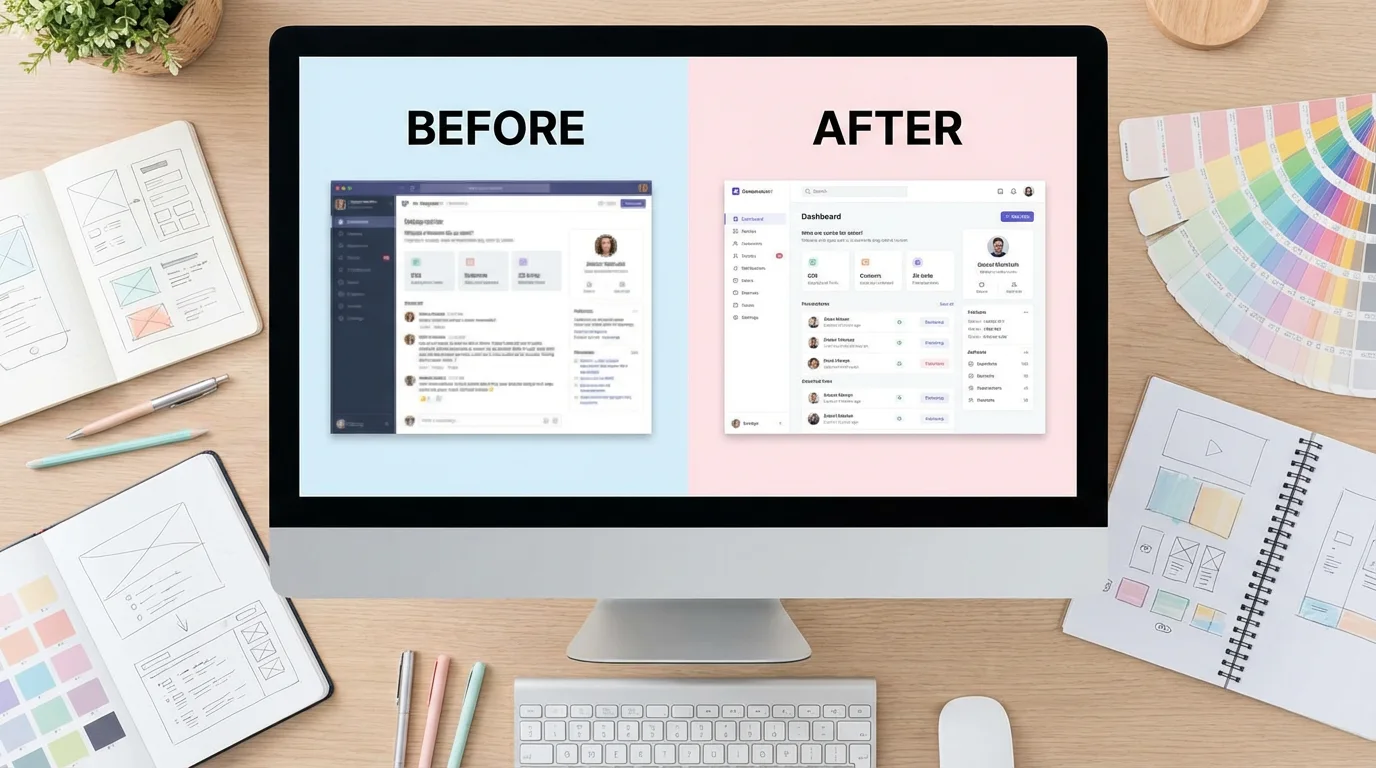
Unlike older image models that struggle with words and dense layouts, Nano Banana Pro is built to render sharp UI mockups, posters, dashboards and multi‑language text. It keeps fonts legible, icons crisp and small interface elements aligned, so marketing pages, app screenshots and presentation slides come out looking ready to ship.

By feeding a few reference shots or brand assets, Nano Banana Pro can keep the same character, product or color system consistent across dozens of angles and scenes. This is ideal for e‑commerce catalogs, long‑form comics, campaign sets or product walkthroughs where you want every frame to feel like part of the same world.
Nano Banana Pro follows the EvoLink task‑based image API: you send a JSON request with the Nano Banana 2 model name, prompt, optional reference images and size, then poll the task ID or receive a webhook callback when the images are ready. This asynchronous design lets product and growth teams run large batches of generation and editing jobs reliably without blocking their own services.
A way to use Nano Banana 2–class image power in real projects, with a balance between quality, cost and day‑to‑day reliability.
Nano Banana 2 is widely seen as one of Google’s strongest image models so far, with more realistic photos, better text and smoother details. Nano Banana Pro lets you tap into that level of quality through a single API instead of chasing scattered previews and leaks.
Most people searching for Nano Banana 2 or Nano Banana Pro want to do practical things: product photos, portraits, marketing images, app screenshots or storyboards. The examples and defaults on this site are written for those everyday scenarios, so you can get useful output without learning heavy technical terms.
You can start with small images and low volumes to explore what Nano Banana Pro can do, then gradually increase size and quantity as you see the value. This makes it easier for teams to enjoy top‑tier image quality without committing to an expensive, all‑or‑nothing plan on day one.
If you are also looking at models like Seedream 4.0 or Flux Kontext, Nano Banana Pro gives you a clear reference point for Nano Banana 2–style results. You can judge for yourself how it handles realism, text, characters and editing, then decide which model fits your brand and workflow best.
Realistic Nano Banana Pro workflows that help you quickly discover image and multimodal use cases for your product.
Use Nano Banana Pro to combine multiple reference images into a single, coherent storyboard—for example, blending still photos, sketches and product renders into a unified marketing sequence.
Upload low‑resolution, faded or noisy photos to Nano Banana Pro and let the model repair details, restore color and increase resolution—ideal for family archives and historical collections.

Provide front, side and mid‑shot references of the same character, then use Nano Banana Pro to generate new images with different poses and angles while keeping appearance consistent for thumbnails, comics or long‑form visuals.

Feed product cut‑outs and copy into Nano Banana Pro and have it generate marketing‑ready shots with unified backgrounds, lighting and composition, reducing manual design time.

Pass wireframes or low‑fidelity screenshots to Nano Banana Pro and ask the model to fill in visual details according to your brand guidelines, producing near‑final UI mocks for review within minutes.

Invoke Nano Banana Pro from technical docs or analysis reports to generate diagrams and cover illustrations based on each section, improving readability and brand consistency.

From searching for “Nano Banana Pro API” to running it reliably in production in just three steps.
Sign up in the dashboard, verify your email, create a Nano Banana Pro project and copy your dedicated API key. Store it securely as a secret, not in your client code.
Use the docs to pick a cURL, Python or JavaScript example and call the Nano Banana Pro image editing endpoint. Inspect the response quality and latency on your own network.
Integrate Nano Banana Pro into your backend services, workflow orchestrators or no‑code tools to power one‑click retouching, background swaps and batch image generation features.
import google.generativeai as genai

genai.configure(api_key="YOUR_API_KEY")

model = genai.GenerativeModel("gemini-3-pro-image")
response = model.generate_content("A little rabbit")
print(response.text)Connect a scalable image editing API to your application—with search traffic, user experience and observability in mind from day one.
Try Nano Banana Pro Now